How it works

Welcome to Pockit Job
I'm Alistair, a dad of two. I set up Pockit Job because I know plenty of people who'd love to find local jobs and earn a bit of extra money.
When I was younger, I'd scan the local post office window for jobs scrawled on scraps of paper, anything to earn the money for things I wanted. I did all sorts, but I've especially fond memories of gardening for a lady called Mrs Milne. You don't see many jobs in post office windows anymore. I built this site in dedication to Mrs Milne, in the hope others find theirs.



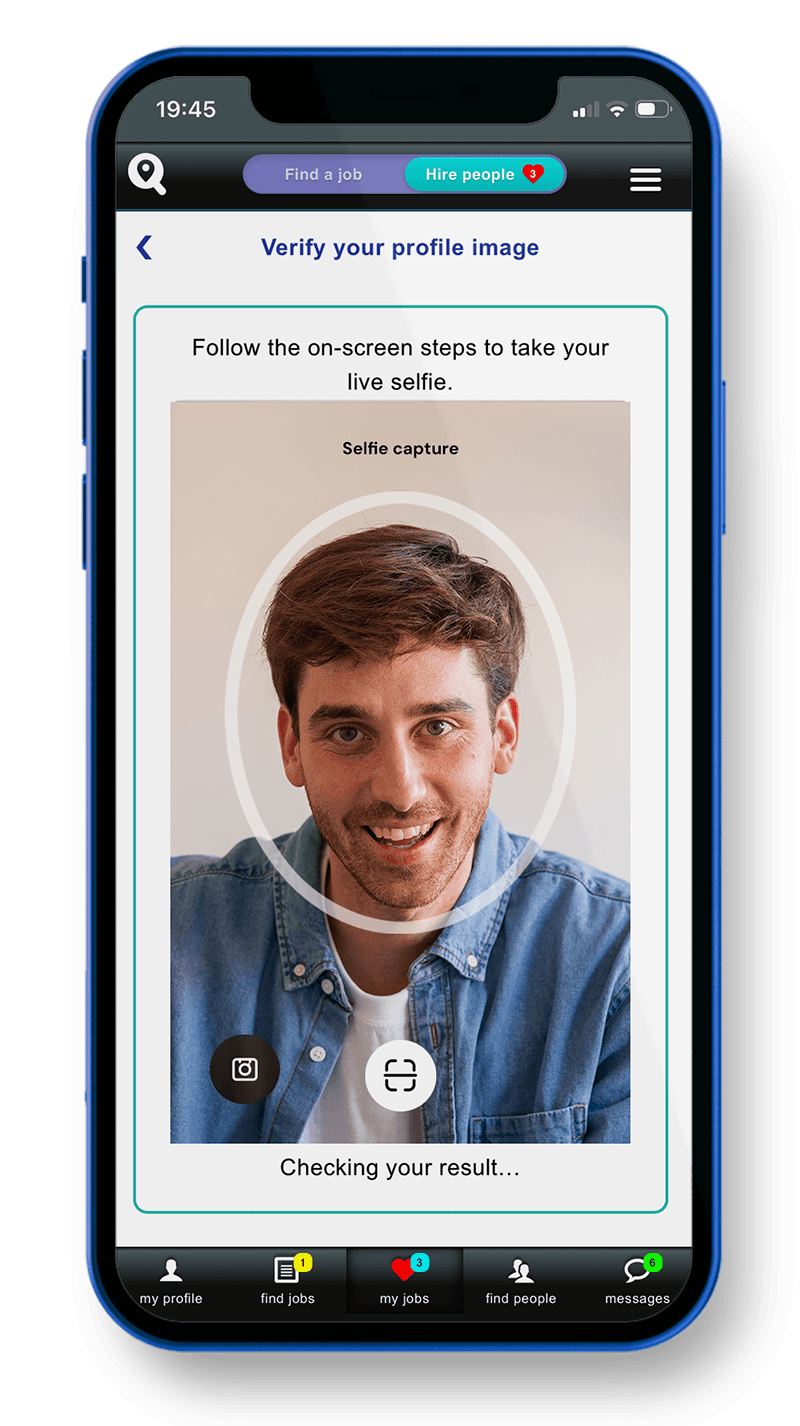

A community you can trust
Every user can photo-verify their personal profile image, so you can be confident the person you're chatting to is really who they say they are. A quick liveness check matches a live selfie to your profile photo before you're verified.
It means everyone with a trust shield on their profile image is a real, verified local person, giving you peace of mind whether you're hiring someone or applying for a job.
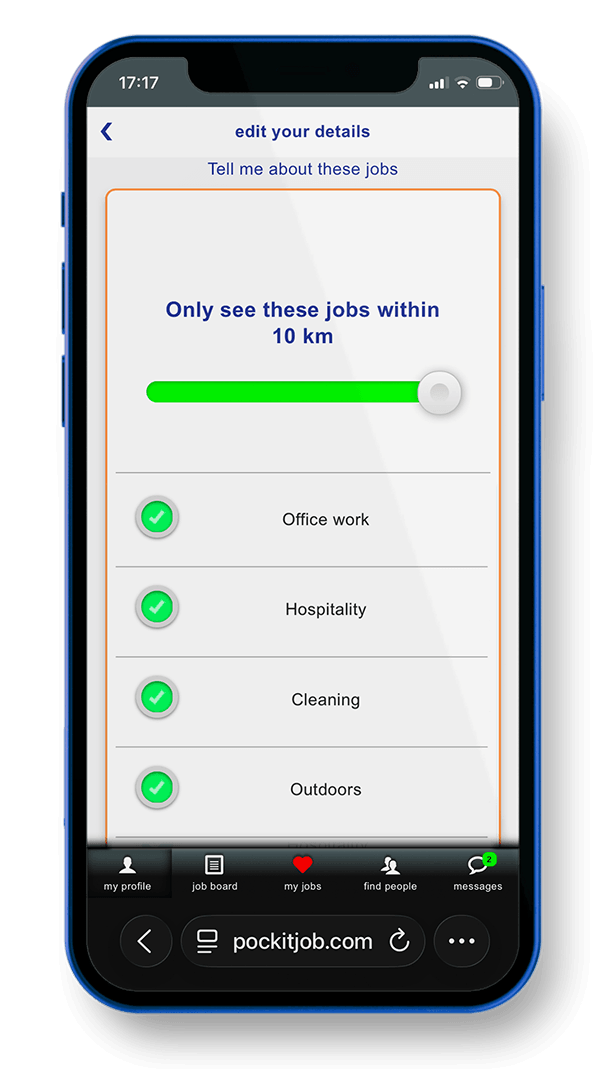
Choose the jobs you are interested in
When creating your profile you can choose the jobs you're interested in, so when someone posts a job like that you'll be emailed so you don't miss out.
You can also set how far away you want to see jobs for, up to a distance of 10km, so you don't have to travel too far if you don't want to.
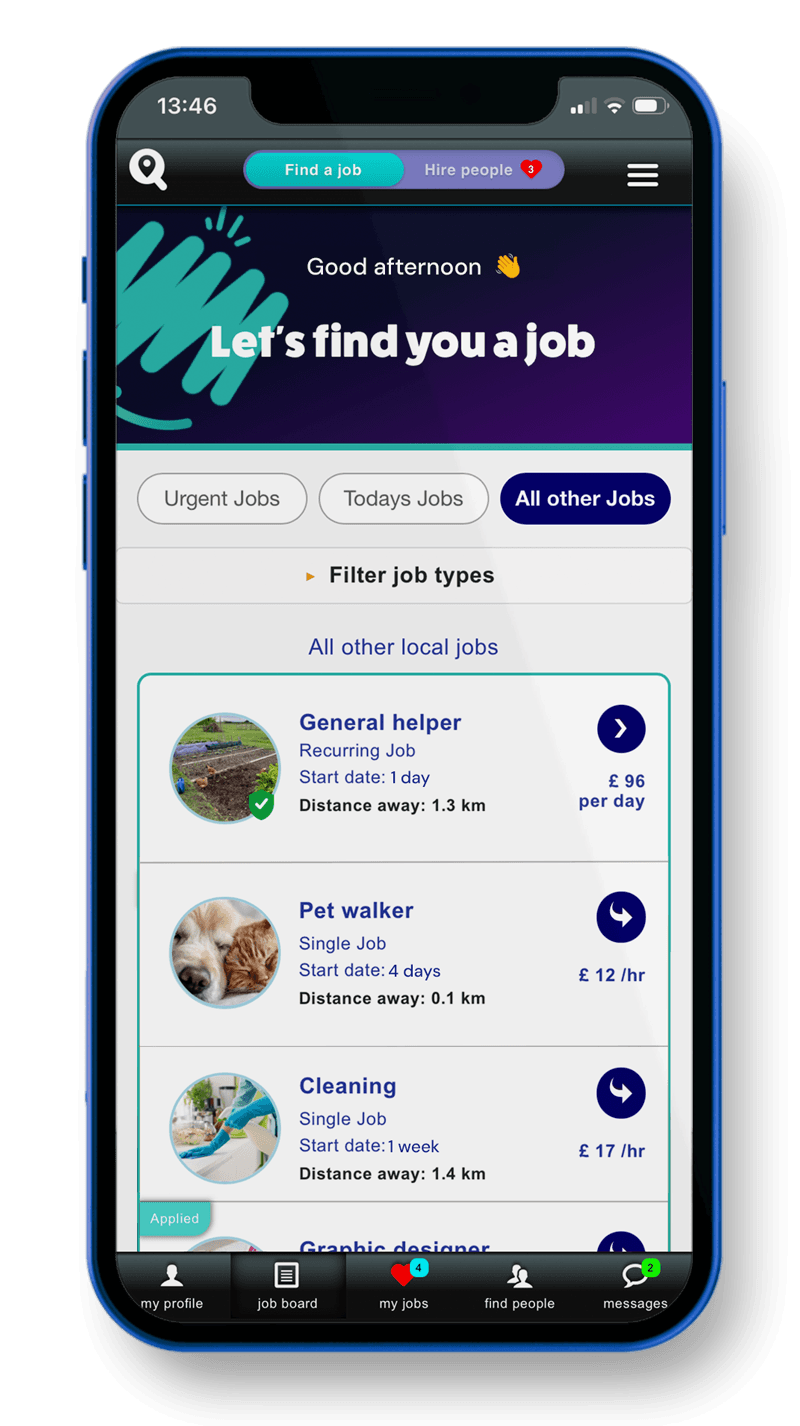
Search for jobs on the job board
You can see all the jobs in your local area and start applying right away.
The jobs are split up with urgent jobs, jobs that have been posted today and all other jobs still available in your local area. Make sure you select the type of jobs you want to see in your profile, as you will be emailed about all new jobs that match your interests.
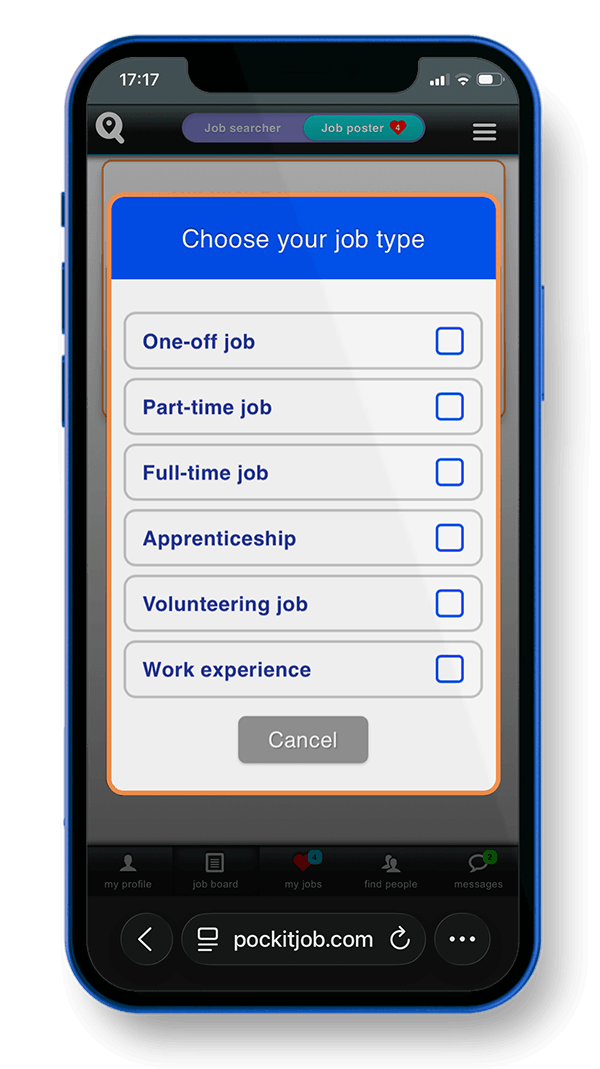
Post your job to the local community
Once you have created and posted your job, it will appear on the local job board and people who are interested in that job type will be emailed.
The job payment selection also gives you ideas about how much other local people have charged for a similar job.
If your job is urgent you can use the 'urgent job' button to push your job to the urgent tab on the job board. If no-one applies for your job, your credits come straight back to you — you never pay for a job that doesn't get an applicant.
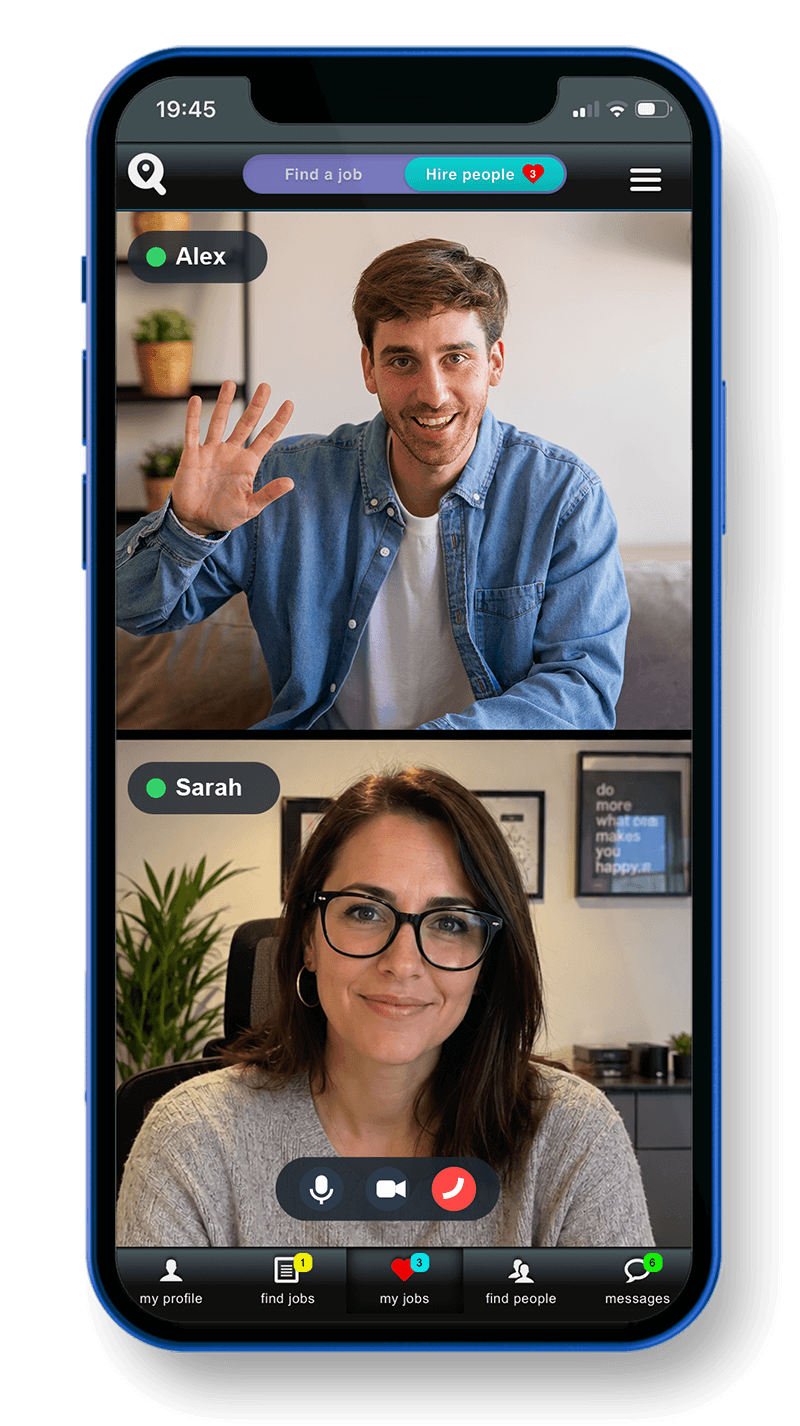
Live video chats and interviews
Before you confirm someone for a job you can have a live chat directly inside the app. Schedule a video call and meet face to face. As a hirer you can cancel or reschedule the call at any time.
If they don't join the call, your credits come straight back to you — you never get charged for a no-show.
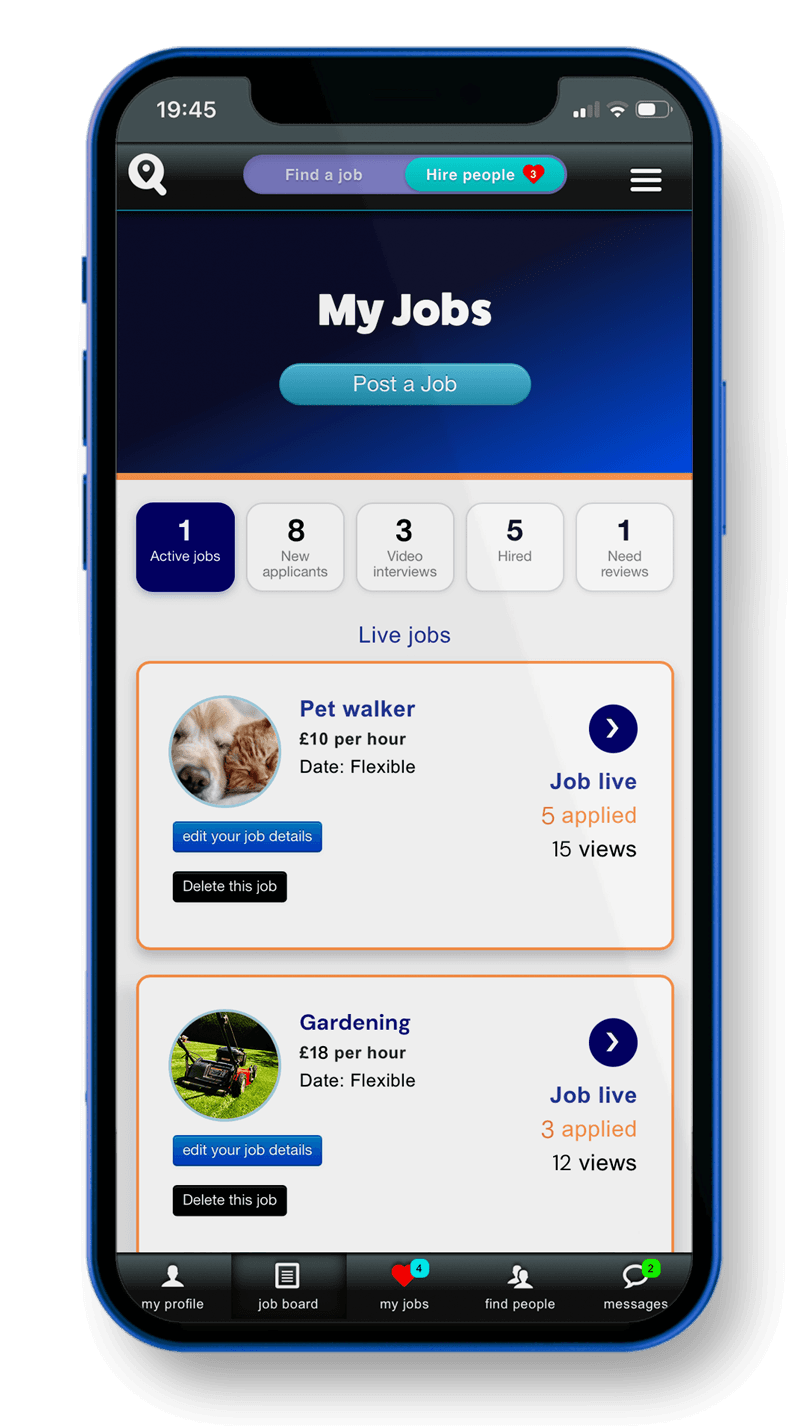
Total control of your jobs
You can see how many people have viewed your job, who has applied and check out their profile and recommendations.
You can edit your job details or delete your job if something changes, all until you have your first applicant.
You can even make your job urgent, if you need quick responses.
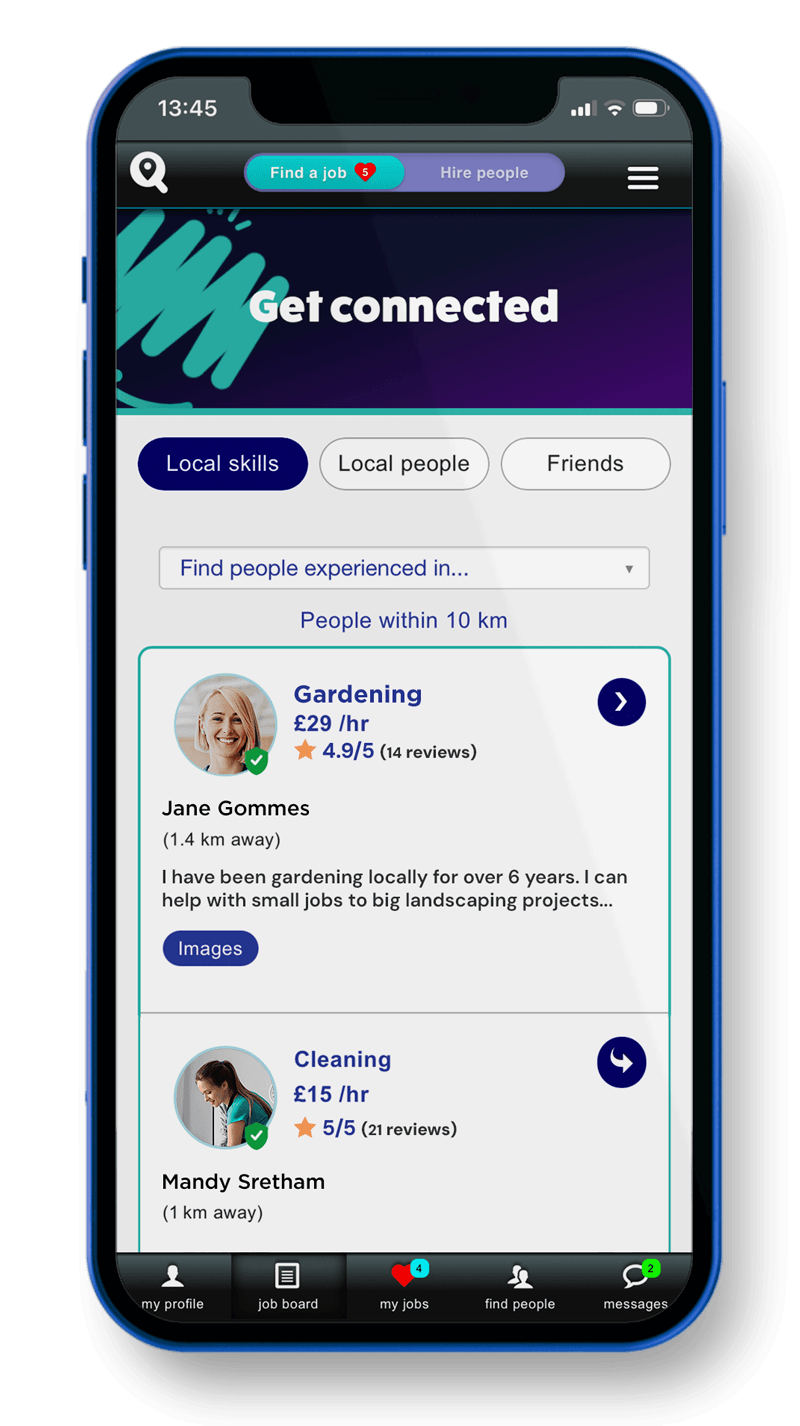
Search your community for a skill
If you are looking for a local person with a particular skill, you can easily find people with that skill on the community page.
Or if you have a local skill or business, you can advertise your skills on the community page for people to find you.
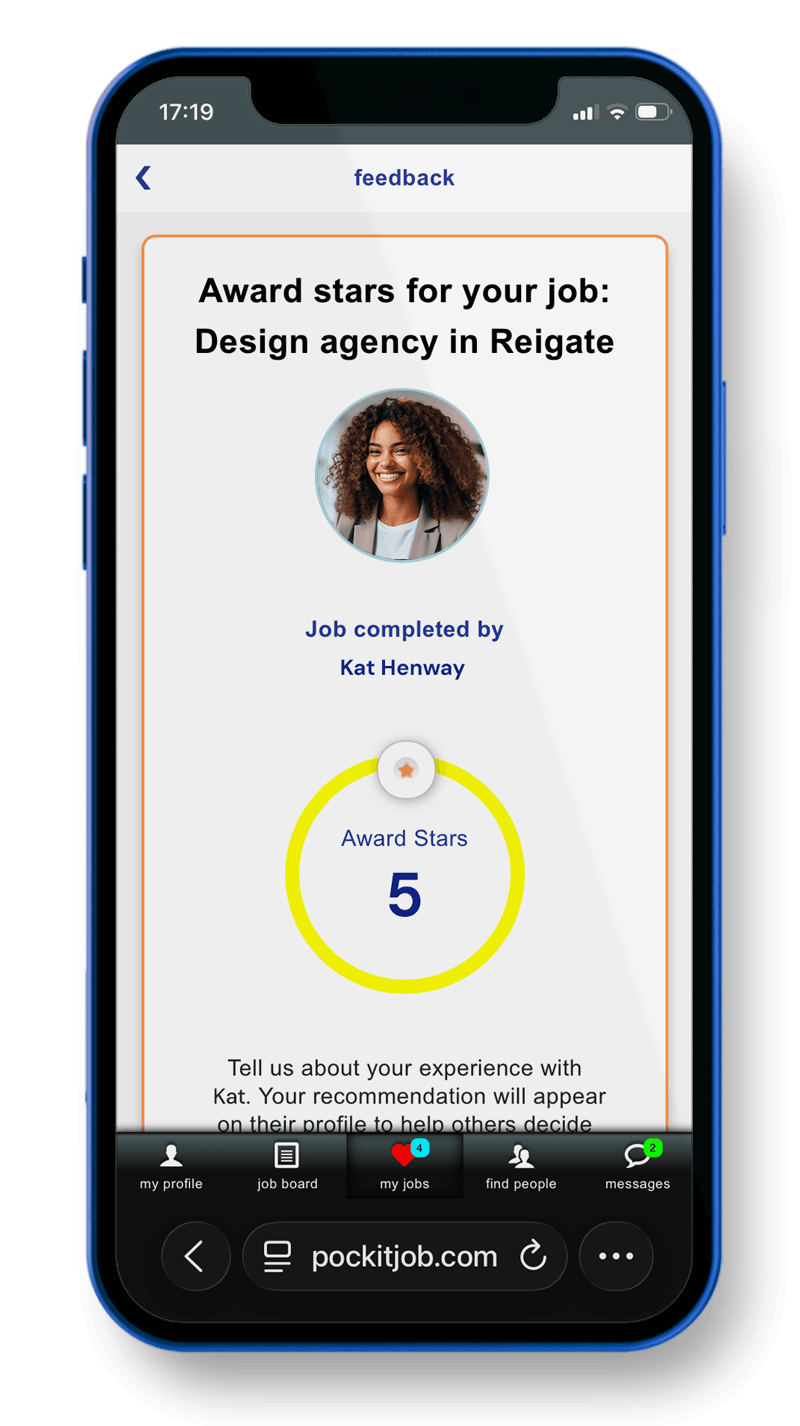
Give and receive recommendations
You can give a review to people who have completed a job for you or for the person you have done the job for.
It makes for a transparent and fair community and so you know how good the service is you will get. Your reviews are then shown on your profile.
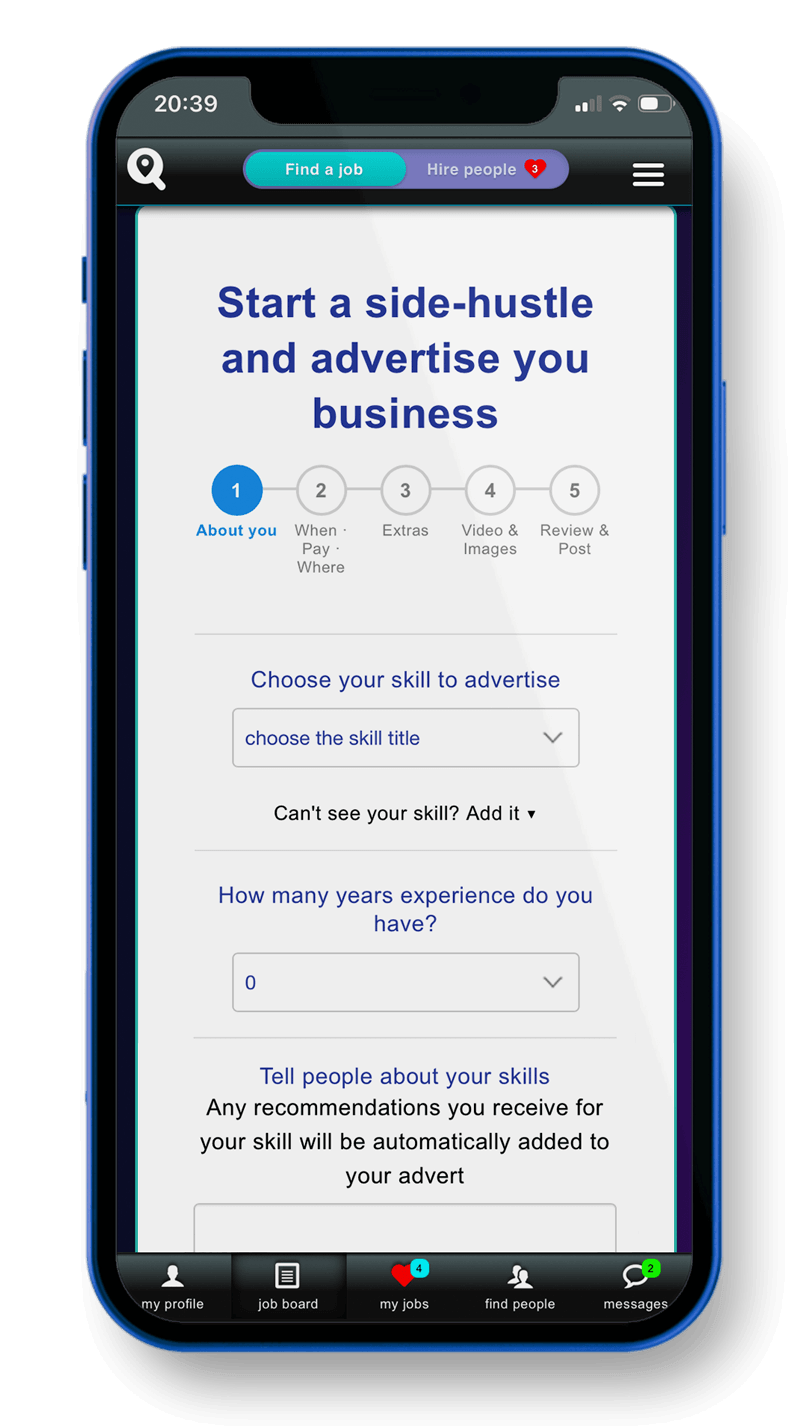
Start a side-hustle or advertise your skills to your community
Let your community see the skills you have. When people need a local skill they can search their community to find you, see your recommendations, book directly with you or visit your website to find out more.
So, what are you waiting for?
Sign up for free. See who's nearby. Post your first job or find your first one this week.
